Presentation skills and rhetoric
Einen Grossteil unserer Arbeit verrichten wir im Kopf, im „stillen Kämmerlein“ am PC. Auch wenn wir unsere Überlegungen am Ende an ein Publikum weitergeben wollen, sitzen wir da und arbeiten …
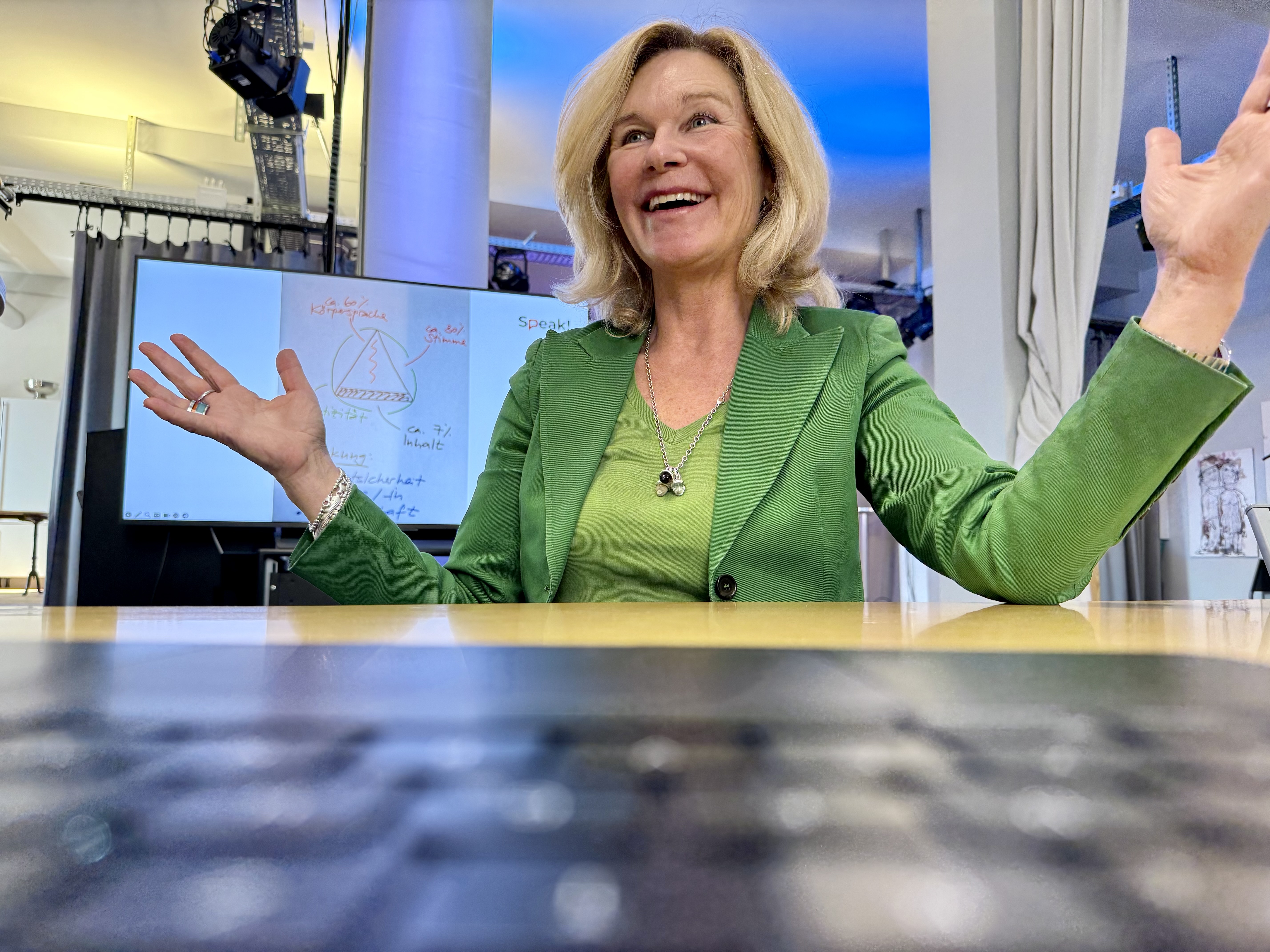
Workshop
Presenting online with PowerPoint has long been everyday practice – whether in Teams meetings, client conversations, webinars or virtual conferences. But many quickly notice: what works in a physical room loses impact online. Attention spans are shorter, technical details are crucial, and the distance to the audience is greater.
In our online workshop “Presenting Professionally” with PowerPoint, you will learn how to come across clearly, confidently and engagingly in the virtual space. You will develop the ability to structure digital presentations purposefully, use media effectively and create closeness and presence online. Practical exercises, feedback and concrete tools ensure immediately noticeable progress.
You will experience how to give your presentations online in a way that makes people listen. You log in to the workshop from home with your own laptop. We practice in breakout sessions and in the plenary. Our feedback is concrete and immediately actionable.
You register as an individual and train in a group. The workshop lasts 3.5 hours. The focus is on DOING IT YOURSELF:
You log in from home and will try things out, practice, receive feedback and be able to improve.
We look forward to seeing you
Until then: consistently include a Q&A round after every 4–5 slides. Make sure the screen is NOT shared during this. This helps improve interaction.


The registration is for one person.
Feedback is possible for registered participants after the course. Log in, if you already have an account.
Also worth a look
Einen Grossteil unserer Arbeit verrichten wir im Kopf, im „stillen Kämmerlein“ am PC. Auch wenn wir unsere Überlegungen am Ende an ein Publikum weitergeben wollen, sitzen wir da und arbeiten …
Only when we ourselves are convinced can we convince others. It's important to know where our strengths lie.
Your words make up the content – but body language and voice determine the impact. Anyone who wants to appear present, convince and inspire needs both in harmony.
Eight spots per session — you register as an individual and train in a group.
We use cookies for logging in and for the shopping cart — without them, neither works. Our visit counter needs none, and we pass nothing on to third parties. More in the privacy policy